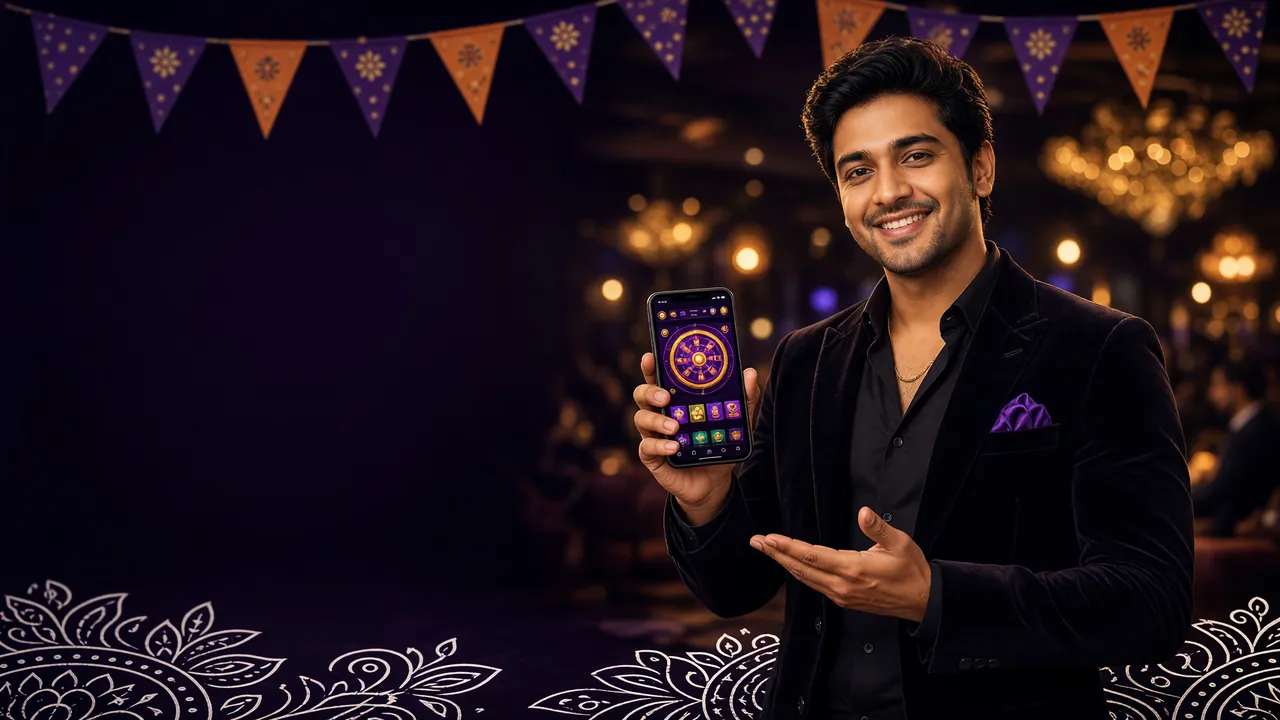
Get the 25BD APK — Cricket, Casino & Fast Payments in One App
The official 25BD app for Android. Install in under two minutes, pay with bKash or Nagad, and play over 3,300 games without opening a browser. Free download, no subscriptions.
25bd.apk · 58 MB · Android 8.0+ · Free
Download the APK Right Now
All build details below are taken directly from the latest official release. Always download from this page — third-party sources may bundle modified files.
iPhone Users: Add to Home Screen
There is no App Store listing. iPhone users can save the site as a web app — it behaves like a native app after that.
- 1 Open Safari and go to 25bd.one. Chrome on iOS will not show the prompt below.
- 2 Tap the Share button (box with arrow, bottom centre of screen).
- 3 Scroll down and tap "Add to Home Screen".
- 4 Confirm the name as 25BD and tap Add.
- 5 The 25BD icon appears on your home screen. Tap it to open fullscreen, like any native app.
All features including bKash/Nagad deposits work normally through the web app.
Games You Can Play Inside the 25BD App

From JILI slots to Habanero crash games, the full library loads inside the app — no browser tab needed. Bet from ৳10 on slots or ৳5 on live tables.
- Slots by JILI, Ezugi, Playtech, Habanero, Red Tiger, CQ9
- Live casino tables — Roulette, Blackjack, Baccarat
- Crash, Fishing, and Lottery games
- Cricket and football live in-play betting
What the App Actually Does
Six things that make a real difference when you're playing on a phone in Bangladesh — not marketing bullet points, just what the app handles day-to-day.
Fast Login with biometrics
Use fingerprint unlock instead of typing your password every session. The app stores your session securely so you stay logged in between plays. If your device doesn't support biometrics, PIN login works too.
bKash & Nagad in the app
Deposit or withdraw without leaving the app. bKash, Nagad, Rocket and Bank Transfer are all built into the payments screen. Deposits clear in about 6 minutes; withdrawals in about 36 minutes. Minimum deposit ৳450.
Live Casino & Sports Together
Switch between a live Roulette table and a Bangladesh T20 match without closing and reopening tabs. The app keeps both streams running in the background — handy for cricket in-play bets during a live table session.
Push Alerts for Odds & Bonuses
Opt in to match-start alerts for cricket and football, and bonus notifications when a reload offer or cashback is credited. Turn them on per-category in Settings → Notifications — you don't have to receive everything.
Bet Slip & Match Tracker
Your open bets and bet history sit in a dedicated tab. Tap any bet to see the live score and updated odds for that match. The tracker updates automatically — no manual refresh needed.
24/7 Live Chat Inside the App
Tap the chat icon from any screen to open a support session. Response times are typically under two minutes. You can also submit a ticket for account or payment questions that need a document upload.
Permissions the APK Requests — and Why
Android will show a permissions prompt during install and the first time each feature is used. Here is what gets requested, the reason behind it, and how to revoke it if you change your mind.
| Permission | Why It Is Needed | How to Turn Off |
|---|---|---|
| Camera | Scan your bKash/Nagad QR code during a deposit, or scan your National ID during the account review process. | Settings → Apps → 25BD → Permissions → Camera → Deny. QR scan will fall back to manual entry. |
| Notifications | Push alerts for match starts, bonus credits, and successful deposit confirmations. | Settings → Apps → 25BD → Notifications → Off, or fine-tune per channel inside the app. |
| Network access | Required for all app features — loading games, making payments, connecting to live chat. Cannot be disabled without breaking the app. | Use the in-app data-saving mode to limit stream quality when on mobile data. |
| Biometrics | Optional fingerprint or face-unlock login. The app stores a local token only — no biometric data leaves your device. | Settings → Apps → 25BD → Permissions → Biometrics → Deny. Password login still works. |
| Storage | Cache game assets so they load faster on repeat visits. Saves mobile data on slow connections. | Settings → Apps → 25BD → Storage → Clear Cache anytime. App re-downloads assets as needed. |
Only Download From This Page
Third-party APK sites sometimes repackage files with added adware or credential-stealing code. The official download URL for the 25BD APK is 25bd.one/download/25bd.apk — the only address we publish or support.
- After install, the app header shows version 3.1.13. If it shows a different number, uninstall and re-download.
- The file is served over HTTPS. Your browser's lock icon confirms it was not tampered in transit.
- Never install an APK sent by someone in a Telegram group or Facebook message, even if they claim to be 25BD support.
Using the App on a Budget Phone or Slow Connection
The 25BD app is designed to run on entry-level Android phones and 3G/4G connections. These settings help it run well even when your RAM or signal is limited.
Low-Memory Android (Under 3 GB RAM)
- Close background apps before launching. The app needs around 400 MB free RAM to run live video tables smoothly.
- Use Slots and Crash games rather than live-streamed tables if your device stutters. Slots use almost no continuous data.
- Turn off auto-play animations in app Settings → Display → Reduce Motion. This cuts GPU load noticeably on 2017–2019 budget chipsets.
- Disable in-app music in Settings → Sound. Audio streams add ~50 KB/s continuously and use CPU unnecessarily.
Slow Mobile Data (2G / 3G)
- Enable Data Saver Mode in app Settings → Network. This reduces video quality in live tables from HD to SD and cuts usage by roughly 60%.
- Deposits and withdrawals use almost no data — a bKash top-up page is under 50 KB. Payment pages always load on 2G.
- Slots pre-load on the first spin; subsequent spins use under 5 KB each. Playable on 2G with minor initial wait.
- Connect to Wi-Fi before updating the app. Future updates may be 10–20 MB; downloading on mobile data can be slow and expensive.
- Charge your phone before a long session. Live-streaming games keep the screen and radio active, which drains battery faster than typical use.
Install Problems? Here Is What Each Error Means
Most install failures have a one-step fix. The table below covers every common error message and what to do about it.
| Error / Symptom | Likely Cause | Fix |
|---|---|---|
| "Install blocked" or "Not allowed" | Android's "Install unknown apps" permission is off for your browser or file manager. | Go to Settings → Apps → [your browser] → Install unknown apps → Allow. Then tap the downloaded file again. |
| "Parse error" or "Problem parsing package" | The APK file was corrupted during download (usually an interrupted connection) or your Android version is below 8.0. | Delete the file, reconnect to a stable network or Wi-Fi, and re-download from this page. Check Settings → About Phone → Android version is 8.0 or later. |
| "Insufficient storage" | Your phone has less than 58 MB of free internal storage available. | Free up space by clearing app caches (Settings → Storage → Cached data) or deleting unused apps/photos, then retry. |
| App installs but crashes on launch | An older cached version conflicts with the new install, or the device RAM is fully occupied at launch time. | Uninstall the existing app first, restart your phone, then install the freshly downloaded APK. Close all background apps before launching. |
| "App not installed" with no further message | A signing conflict — often caused by a modified APK from a third-party source that has a different certificate from the official build. | Uninstall any existing 25BD app, then download only from 25bd.one/download/25bd.apk and install fresh. Never install a file you received via messaging apps. |
If none of the above solves the issue, open live chat from your browser and share your Android version and the exact error text. Support is available 24/7.
Install the 25BD APK on Android — Four Steps
From download to your first bet usually takes under two minutes. You need Android 8.0 or later. No Google Play account required.
-
1
Allow installs from your browser
Open your phone's Settings, go to Apps (or App Management), find the browser you will use to download (Chrome, Firefox, or Samsung Internet), tap it, then tap "Install unknown apps" and set it to Allowed. You only need to do this once. Android 8.0 and above requires this permission per app, not system-wide.
-
2
Download 25bd.apk from this page
Tap the Download APK button above. Your browser will save the file to your Downloads folder. The file is 58 MB — on a steady 4G connection it takes roughly 20–30 seconds. On 3G allow up to two minutes. Do not close the browser while the download is running.
-
3
Open the file and confirm installation
Once the download completes, tap the notification or open your file manager and go to Downloads → 25bd.apk. Android will show an install screen listing the app name and permissions. Tap Install. The process takes about 10 seconds. When you see "App installed", tap Open.
-
4
Log in or create a new account
If you already have an account, enter your phone number and password on the login screen. New players tap Register and fill in the short form — it takes under three minutes. After that, head to the deposit screen and top up with bKash or Nagad to claim the welcome bonus. Minimum deposit is ৳450.
-
5
Keep the app updated
When a new version is released, a banner appears inside the app. Tap it to go to 25bd.one/25bd-apk/ and download the latest APK. Updating works the same as the first install — Android replaces the existing version without deleting your account data or bet history.
Quick Requirements
- Android 8.0+ (Oreo or later)
- At least 58 MB free storage
- 3G, 4G, or Wi-Fi connection
- A registered account (free)
- Age 18 or above
Questions About the 25BD APK
Answers to what players ask most before and after installing the app.
01 Is the 25BD APK safe to install?
Yes, when downloaded from this page. The file at 25bd.one/download/25bd.apk is served over HTTPS and scanned before each release. It requests only the permissions listed in the table above — camera, notifications, network, biometrics, and storage — all standard for a betting app. The app does not access your contacts, SMS, or location. Avoid any copy of the APK from third-party sites, as we cannot verify those files.
02 What do I do if the installation keeps failing?
First check that "Install unknown apps" is enabled for your browser in Android settings — this is the most common cause. If that is already on, delete the downloaded file, switch to Wi-Fi, and re-download. If the error says "Parse error", your Android version may be below 8.0 — check Settings → About Phone → Android version. For anything else, the troubleshoot table on this page covers every common error message with a specific fix for each one.
03 How do I update the app to the latest version?
When a new version is available, a banner appears inside the app. Tap it and you will be taken to this page. Download the new APK and install it over the existing app — Android replaces the old version automatically without deleting your account or bet history. The current version is 3.1.13, updated 16 November 2026. You can always check your installed version in app Settings → About.
04 Can I use the app on an iPhone or iPad?
There is no iOS App Store listing for 25BD. iPhone and iPad users can add the site to their home screen through Safari — open 25bd.one in Safari, tap the Share button, then tap "Add to Home Screen". The result behaves like a native app: fullscreen, no browser address bar, and all features including bKash and Nagad deposits work normally. The step-by-step guide is in the Download section above.
05 Does the 25BD app work on a low-end or old Android phone?
Yes. The minimum requirement is Android 8.0, which covers most phones made from 2017 onwards. The app runs on devices with 2 GB RAM, though live-streamed tables run more smoothly with 3 GB or more. For lower-spec phones, use Slots or Crash games instead of live tables, enable Data Saver Mode in app settings, and turn off in-app music. These steps reduce both RAM and data usage significantly.
06 Do I need to create a new account for the app, or use my existing one?
Your existing 25BD account works in the app — just log in with the same phone number and password. Your balance, bet history, and VIP level carry over instantly. If you do not have an account yet, you can register directly inside the app or through the registration page. The form takes under three minutes to complete, and you can deposit with bKash or Nagad right after.
Need Help?
Our support team is online 24/7. If your download or install is not working, open a chat and share your Android version and the exact error message.
Live ChatAverage response under 2 minutes
Download the 25BD APK and Start Playing
One file, free to install, works on any Android 8.0+ phone. Cricket, live casino, and bKash payments — all in one place.
Version 3.1.13 · 58 MB · Android 8.0+ · Free · 18+ · Play Responsibly