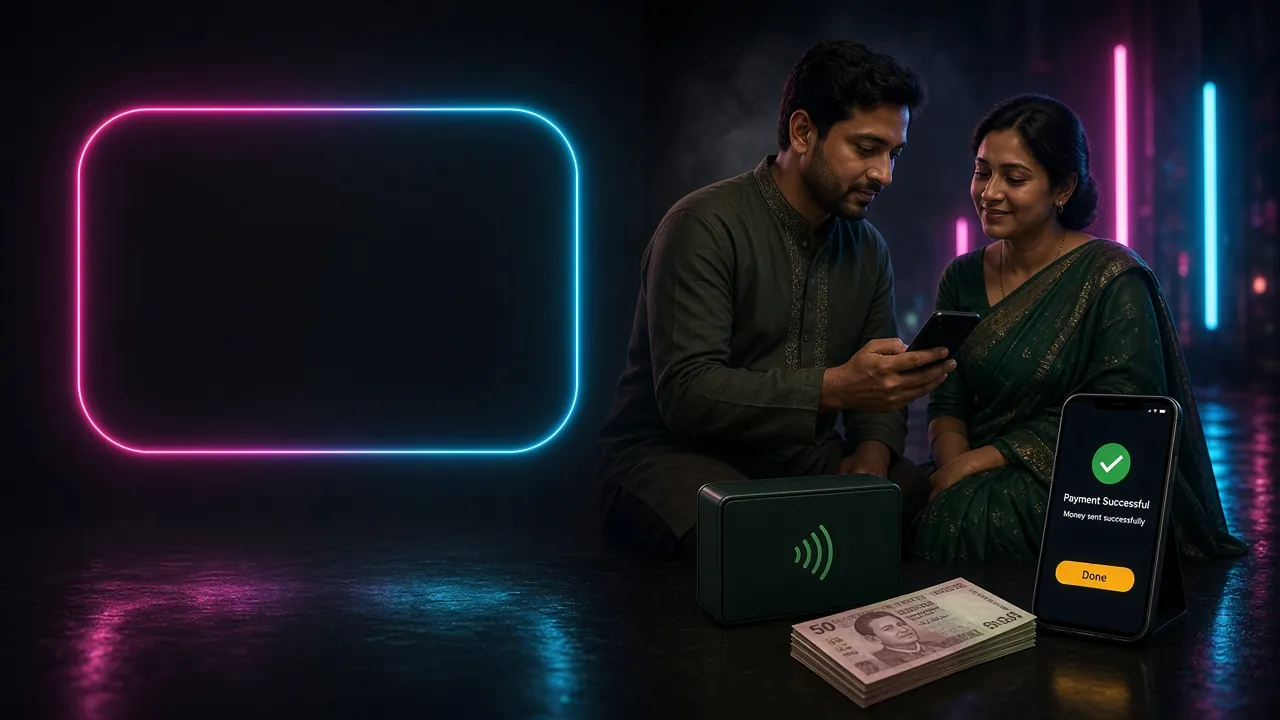
What this guide covers: withdrawing via bKash, Nagad, Rocket, or Bank Transfer — step by step. Minimum payout is ৳1,300, daily cap is ৳70,000 at Bronze, and most requests clear in 36 minutes. First-time withdrawals require a one-off identity check (KYC) before funds are released.
How to Submit Your First Withdrawal Request
These five steps cover the full journey from hitting "Withdraw" to seeing the money in your wallet.
-
1
Log in and open the Cashier
Tap your account avatar in the top-right corner of the 25BD app or website, then choose Cashier → Withdraw. If you are not yet registered, you will need to create an account first.
-
2
Choose your payment method
Select bKash, Nagad, Rocket, or Bank Transfer. The page shows each method's current processing time. For fastest results, choose the same wallet you used to deposit.
-
3
Enter the amount and your wallet number
Type the amount (minimum ৳1,300) and double-check the mobile number for bKash/Nagad/Rocket, or account details for Bank Transfer. A wrong number means a failed transfer that is hard to reverse.
-
4
Complete any pending wagering requirement
If you claimed the welcome bonus, you must meet the 7× wagering requirement before withdrawing the bonus portion. Your remaining playthrough is shown on the Cashier page — no guessing needed.
-
5
Confirm and wait up to 36 minutes
Hit Confirm Withdrawal. Processing typically completes within 36 minutes. For your very first withdrawal, allow up to 1 hour while KYC is finalised. You will get an in-app notification once funds are on their way.
Before Your First Payout: What KYC Requires
Identity verification is a one-time process that must be completed before your first withdrawal. Once approved, you will not need to do it again unless you change your registered mobile number or add a new payment method.
Accepted identity documents
Submit a clear photo or scan of one of the following:
National ID Card (NID)
Both front and back required. The name and date of birth must match your 25BD account exactly.
Passport
Photo page only. Must be valid (not expired). Acceptable for players who do not hold an NID.
Driving Licence
BRTA-issued licence accepted. Submit both sides if the back shows your date of birth.
Photo and upload requirements
- Photo must be sharp — no blur, glare, or shadow covering the text.
- All four corners of the document must be visible in the frame.
- Accepted formats: JPG, PNG, or PDF. Maximum file size: 10 MB.
- Selfie-with-document may be requested if the team needs to confirm ownership.
- Do not alter or crop the image in any way before uploading.
How long does KYC take?
The review team works around the clock. Most submissions are approved within 6 hours. You will receive an in-app message once your account is cleared. If your document is rejected, the message will explain what to fix and you can re-upload straight away.
Your data is protected
Documents are stored with TLS encryption and are only accessed by the compliance team. 25BD does not share your personal documents with third parties. You may request deletion of your data in line with our Privacy Policy.
Why Withdrawals Get Declined — and How to Fix Them
Most declined requests fall into one of these categories. Each one has a straightforward fix:
- Wagering requirement not met. The welcome bonus carries a 7× playthrough condition. Check the Cashier page for your remaining balance before submitting.
- KYC pending or rejected. First-time withdrawal requests are held until identity documents are approved. Re-upload a clearer image if your first submission was declined.
- Incorrect wallet number. The destination number must exactly match the one registered on your account. Any mismatch triggers an automatic rejection for security.
- Amount below the minimum. Requests below ৳1,300 are declined automatically. Accumulate a larger balance before withdrawing.
- Daily limit already reached. Each VIP tier has a daily cap (Bronze: ৳70,000). If you have hit the ceiling, the remainder carries over to the next calendar day.
- Account security hold. Unusual login activity can trigger a temporary hold. Contact 24/7 Live Chat with your registered mobile number to clear it quickly.